
https://youtu.be/tz3UI7h1Ncg
YouTube Full Screen
Curious about a distraction-free YouTube experience? Let's explore together in fullscreen mode!
Practical walkthroughs for school operations, classroom tools, and staff workflows.
Curious about a distraction-free YouTube experience? Let's explore together in fullscreen mode!
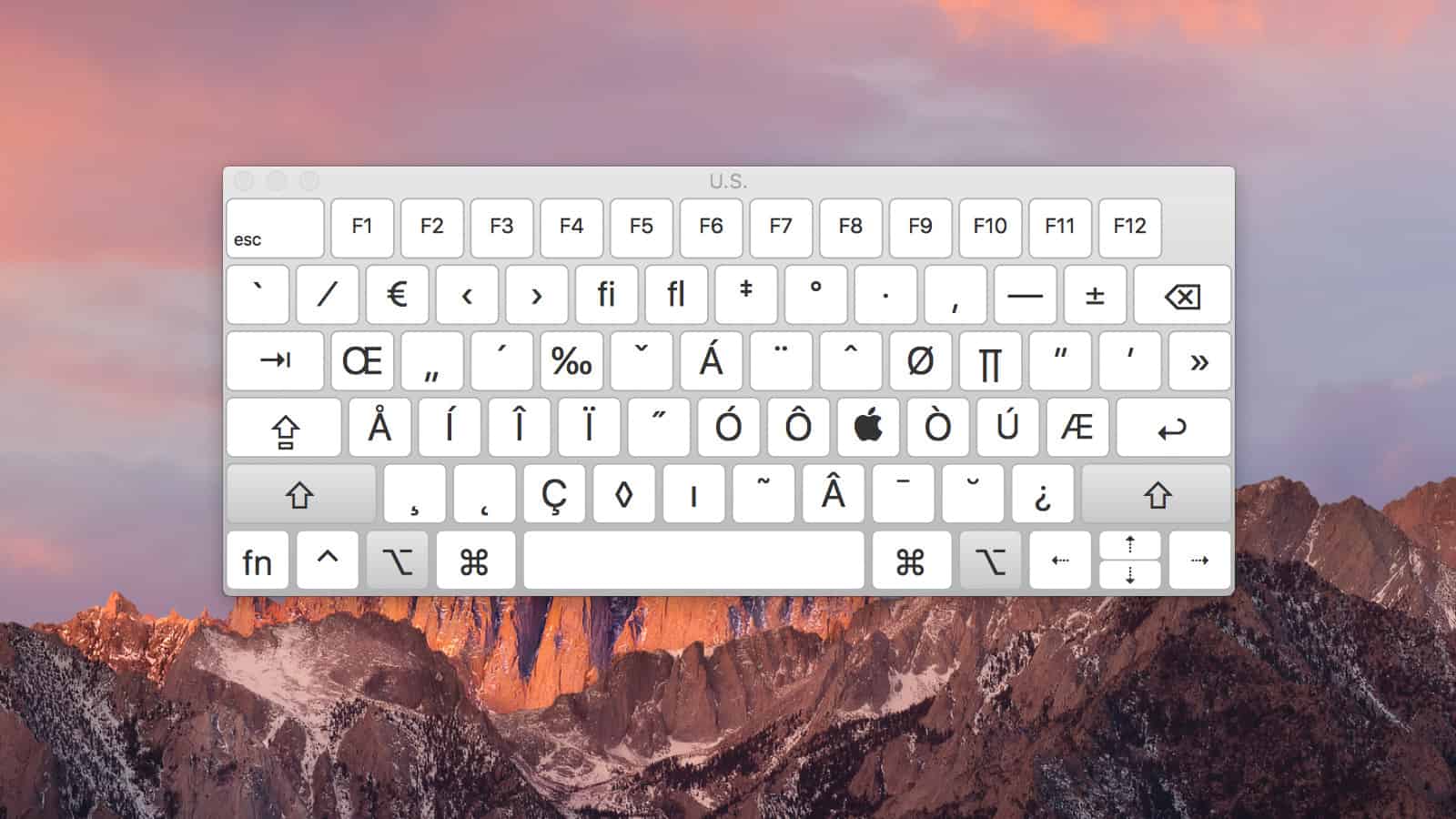
Discover how to use a full keyboard on your SMARTboard while being directly connected, simplifying tasks and boosting efficiency.

Learn how to set up a new teacher or substitute Mac efficiently with this step-by-step tutorial. This guide covers essential adjustments, including optimizing Control Center, configuring audio and printer settings, customizing the Dock, and ensuring a smooth browsing experience. Designed to enhance usability and minimize distractions, these best practices help educators get the most out of their Mac. Perfect for tech teams supporting schools and districts!

Learn simple steps to print in color, higher quality, and create presets for efficient time-saving on the imac.

how to create a rule in Outlook that automatically moves scanned emails from your printer into a designated folder. It helps keep your inbox organized by sorting documents the moment they arrive.

Learn how to open files in different programs effortlessly for better printing results and smoother workflow.

This tutorial offers quick and easy methods to add the download folder to your Mac Dock.

Unlock a quick fix for sound issues on MobyMax by enabling the "Request Desktop" feature.

Create a quick and easy shortcut on your Mac by using Chrome's built-in feature.

Walks you through creating a basic email signature in Gmail, covering everything from text formatting to inserting a logo. It explains how to manually set up a signature, adjust settings, and ensure proper formatting for a professional look. The tutorial also includes tips on adding clickable links for phone numbers and emails, making communication more efficient.

Unlock the power of your Mac with Control Center - effortlessly toggle essential settings, customize your menu bar, and streamline your workflow with just a click."

Enhance your classroom audio with Frontrow Bluetooth for crystal-clear sound, while mirroring to your Apple TV.
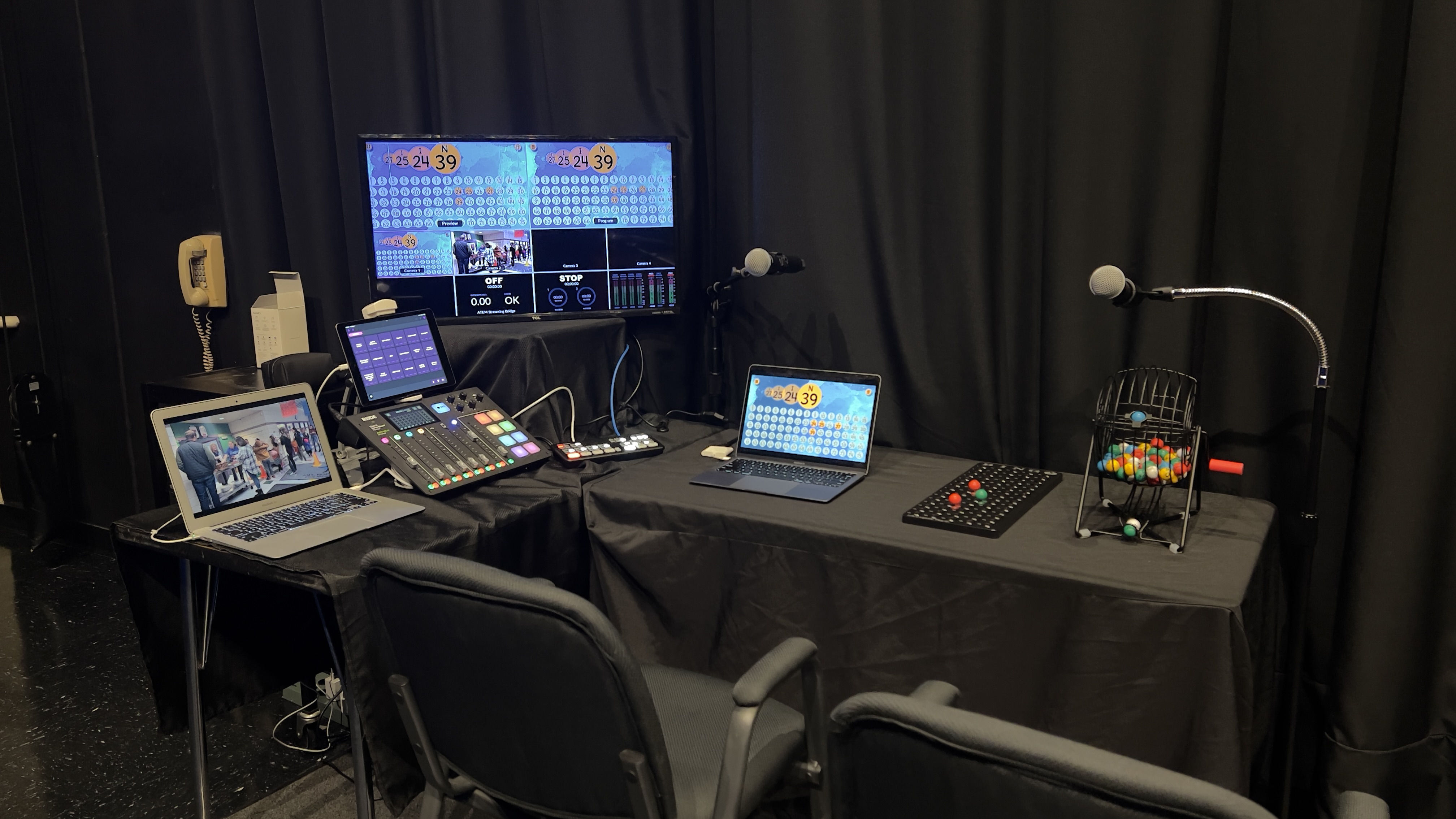
Curious about volunteering for Bingo Night? Our quick tutorial reveals what to expect and helps you choose your role. Find out the exciting responsibilities for Chair A and Chair B – which one will you pick?

Dealing with Smartboard login issues? Join me to effortlessly enable auto login!

Unlock iPad control with Apple Classroom, enhancing the classroom experience together! Ready to explore?